
$25 Off First Wellness Exam!
(718) 981-4445
New clients will receive $25 off their first wellness exam! Mention this coupon to receive your discount.
*Discount forfeited if you miss your appointment without calling us ahead of time to reschedule.
Complete Wellness Care in Staten Island, NY
Routine wellness exams are a critical part of your pet’s healthcare routine to maintain their well-being and detect any medical issues before they progress. During your pet’s wellness exam, we will conduct an in-depth nose-to-tail examination and advise you on all aspect of your pet's care.
Comprehensive Care
Preventative Services
Surgical Services
Diagnostics
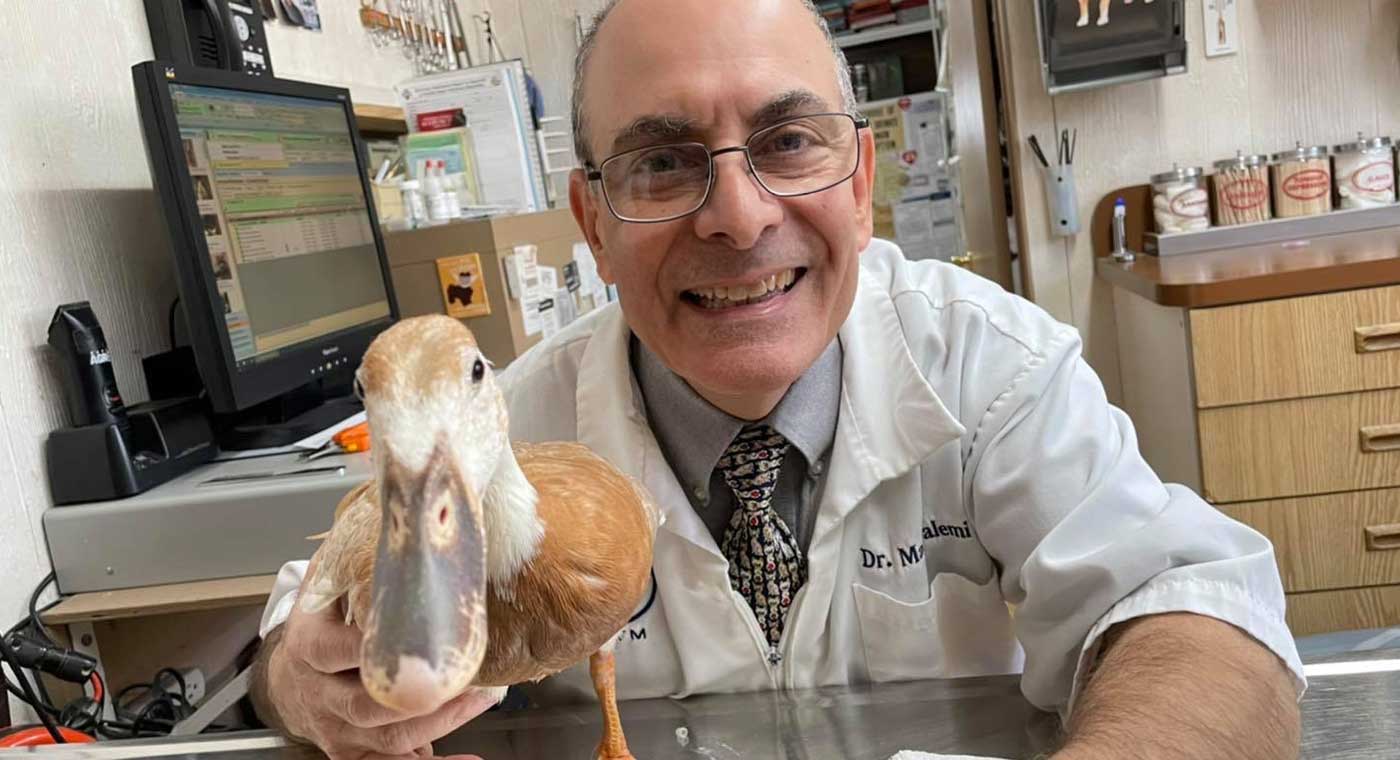

Not only are the Doctors amazing and gentle, but the ENTIRE staff is kind, professional, and is so loving with each animal. I will never go to another vet. They price everything fairly, and provide the absolute best care. Both doctors have always taken time to explain absolutely everything to me and I am confident in their care. Thank you Northside Animal hospital !
Amanda D.

Highly Rated on Google Reviews!
 200+ Reviews
Pet Dentistry in Staten Island, NY
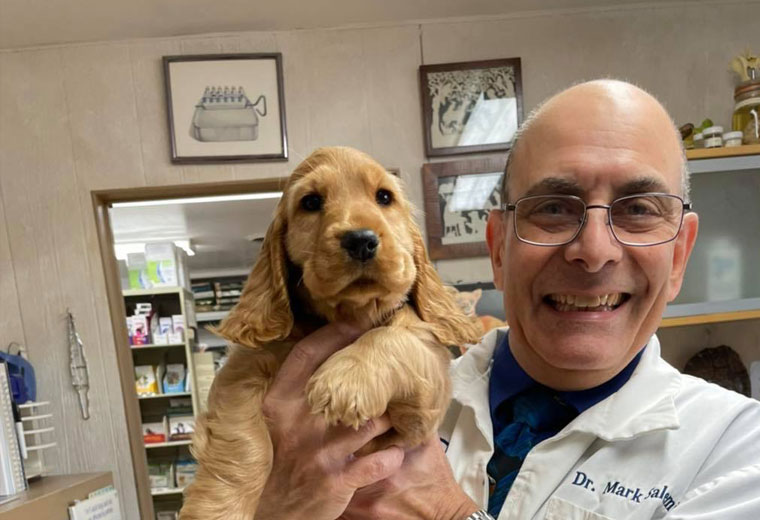
Just like humans, pets require regular oral care to keep them from developing dental disease. Improper care of your pet's teeth can become very painful and eventually lead to serious illness. Our team is here to help protect your pet’s health and teach you the easy ways you can keep their teeth clean and healthy.
Preventative Care
Oral Exams
Teeth Cleanings
Extractions
Exotic Pet Care in Staten Island, NY
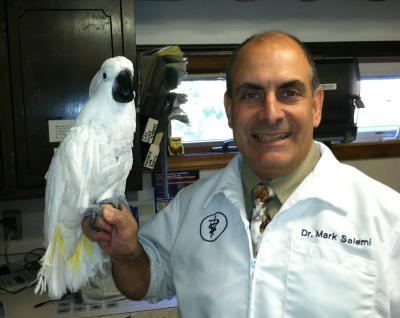
Northside Animal Hospital's comprehensive exotic pet care services are tailored to meet the unique needs of your extraordinary pet. Our experienced team provides exotic pet services from wellness care to specialized treatments, ensuring the health and happiness of your pocket pets, reptiles, avians and more. Whether it's habitat setup, dietary needs, or emergency care, we're here to offer guidance, advice, and ongoing support to help your exotic pet stay happy and healthy.
Avians
Reptiles
Pocket Pets
Our Story
Northside Animal Hospital has been proudly providing veterinary care to pet owners in Staten Island, New York, since 1975. Our veterinarians and staff provide personal attention and expert care to every pet they see. Additionally, we focus and strive to create an atmosphere that makes our clients feel comfortable and welcome each visit. We look forward to serving you and your pets.
Book an Appointment